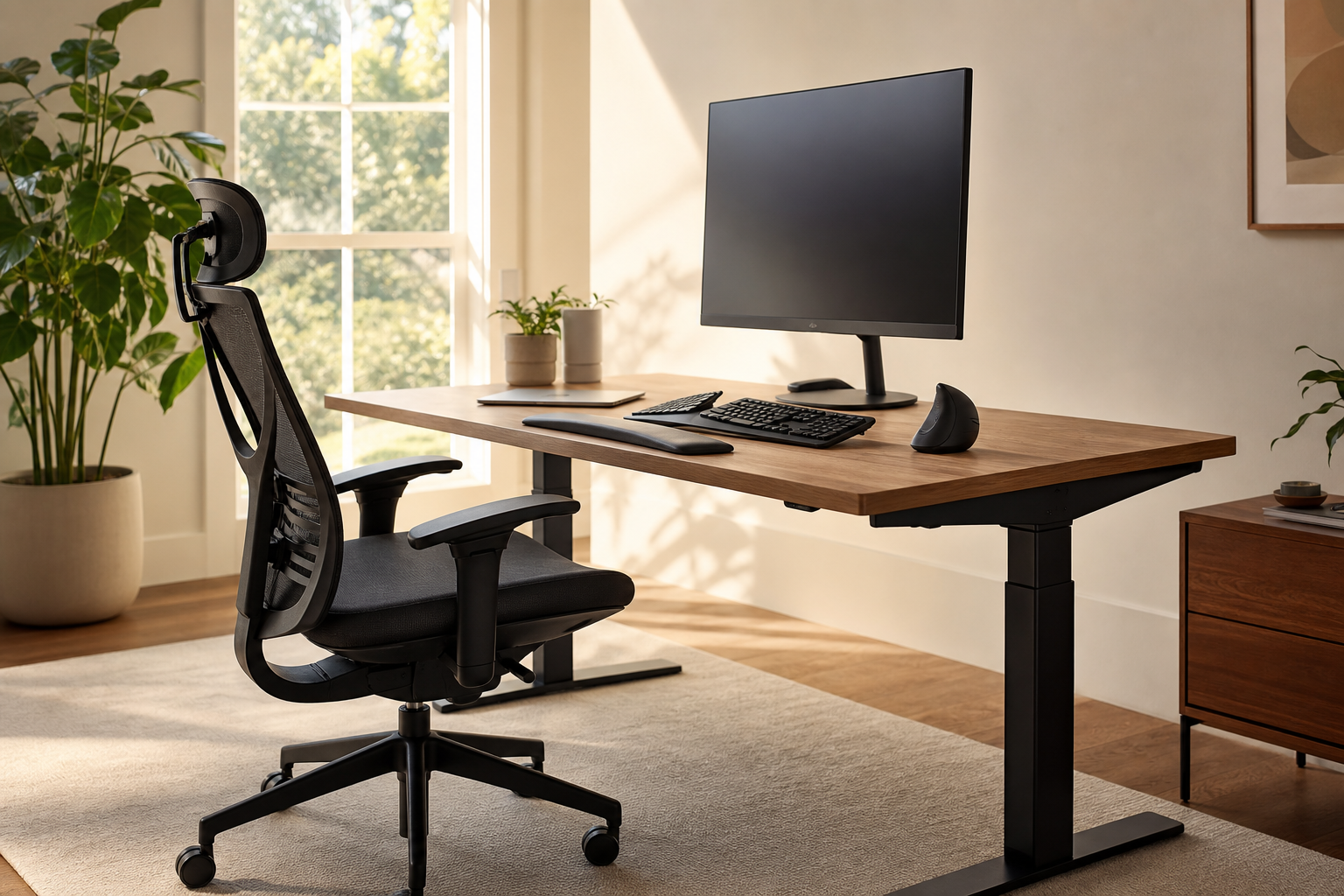
Why My Desk Became a Battleground For My Wrists
If you’re reading this with tingling fingers or an aching wrist, believe me—I know how you feel. Years ago, I spent hours transcribing interviews, typing furiously for deadlines, and juggling mouse-clicks like a circus act. By month three, my right wrist throbbed so badly I started tucking ice packs under my laptop (not a move I’d recommend). And here’s a stat that made me pause: a 2022 study in Occupational Medicine found that nearly 60% of desk workers reported some kind of wrist or hand discomfort. Sixty percent! That’s not just bad luck—it’s an epidemic of ergonomics gone wrong.

What Desk Workers Get Wrong About Wrist Pain
Most people think wrist pain is just part of the desk job package. But here’s the thing: it’s not inevitable. Tiny habits—reaching too far for your mouse, improper typing angles, even the wrong chair—cause years of cumulative stress on those delicate wrist tendons and nerves. I remember when my editor at Prevention admitted she thought her wrist pain was just “old age” (she was 38 at the time). A few simple changes, and her symptoms vanished in weeks.
If you’re nodding along, you’re not alone. I get emails every month from readers who feel like they’ve tried everything—ice packs, splints, those weird copper bracelets. But, as someone who’s covered arthritis and joint health for over a decade, I can tell you: real change starts at your desk, not your medicine cabinet.
How Poor Desk Ergonomics Wreck Your Wrists
Wrist pain isn’t just about where your hands rest—it’s about how everything lines up, from your elbows to your posture to the tilt of your keyboard. The Journal of Rheumatology published a 2021 review highlighting that awkward wrist postures (think: bent up or sideways) double your risk for carpal tunnel syndrome. And repetitive mouse work? That’s another big culprit, especially if your setup forces you to reach outward instead of keeping your arm close to your body.
The Mechanism: When your wrists are constantly bent (even just a few degrees upward), the median nerve gets compressed inside the carpal tunnel—hence the burning, tingling, numbness, and outright ache that can wake you up at night. Add in tendon overuse, and you’ve got a perfect storm for chronic pain.
And it’s not just carpal tunnel. Desk-related wrist woes range from tendinitis (inflammation of the flexor tendons) to De Quervain’s tenosynovitis (fancy name, big pain). The BMJ reported in 2019 that poor typing posture was a significant predictor of persistent wrist pain after just six months of office work.
Here’s where it gets interesting: most “quick fixes” don’t address the root cause. A gel pad might feel nice, but if your wrists are still canted awkwardly, it’s a Band-Aid, not a cure.
My Most-Recommended Ergonomic Tips for Desk Workers With Wrist Pain
1. Rethink Your Keyboard—And How You Type
Splitting your keyboard or using a tented model (where the middle is raised and angled) may look silly, but research backs it up. A 2020 trial in Applied Ergonomics found that split keyboards cut wrist extension by 30%. If you can’t upgrade, at least prop your keyboard so your wrists stay flat—not angling up. And that old advice from typing class—"keep your wrists floating"—actually does help. Plant your elbows, not your wrists.
2. Mouse Smarter (Vertical May Be Better)
A standard mouse forces your hand into a palm-down posture, which twists the forearm and increases pressure on the wrist. I know this is unpopular, but I swear by a vertical mouse. It lets your hand rest in a handshake position, which studies (like the 2018 Human Factors review) show reduces ulnar deviation—a big deal for nerve health. Don’t be surprised if it feels odd at first; your joints will thank you after a week.
3. Move Your Mouse Closer (No, Closer Than That)
Look, your mouse doesn’t need its own zip code. The farther out your arm, the more torque on your wrist and shoulder. Tighten up your setup: mouse, keyboard, and notepad should form a tight triangle just inches from your body. I had a reader who cut her wrist pain in half by simply pushing her keyboard and mouse together by two inches—no expensive gear required.
4. Check Your Desk and Chair Height
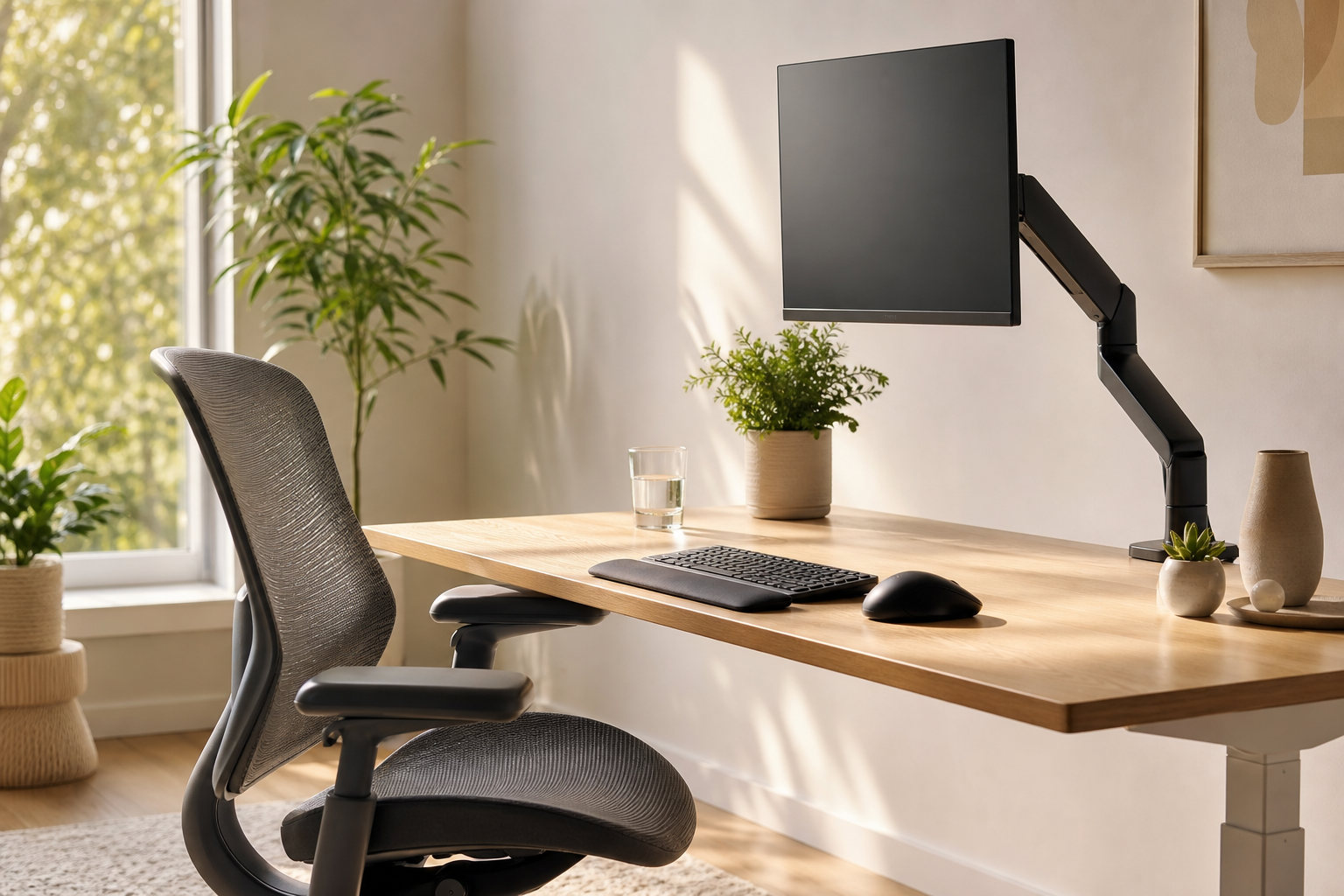
Your elbows should hover at about a 90-degree angle, wrists neutral. If your chair is too low or desk too high, guess what? Wrist pain. If you can, adjust your chair so your forearms float just above the desk and your wrists stay straight—no cocking up or down. Can’t change the desk? Stack books under your keyboard. I won’t judge.
5. Use a Supportive Wrist Rest—But Use It Wisely
Contrary to popular belief, a wrist rest isn’t meant for typing—it’s for resting between bursts of work. The American Academy of Orthopaedic Surgeons warns that typing with wrists pressed into a pad can actually increase compression. It should support the palm, not the wrist joint. That distinction matters.

6. Take Micro-Breaks (Set a Timer!)
This might sound trivial, but a 2021 study in Arthritis & Rheumatology found that taking a 30–60 second break every 20 minutes significantly reduced reported wrist pain in office workers over a 12-week period. Stand up, stretch your fingers, shake out your hands—whatever feels good. I set a subtle phone timer (vibrate only) every 25 minutes. Not gonna lie, my family thinks it’s annoying, but my joints appreciate it.
7. Gentle Wrist Exercises—Yes, They Really Help
- Wrist extensor stretch: Arm straight, palm down, gently bend the wrist down using your other hand—hold 15 seconds.
- Tendon glides: Make a tight fist, then open fingers straight, repeat 10 times. This keeps tendons moving smoothly.
- Nerve gliding: Hold your hand up like a stop sign, gently stretch fingers back. (Ask your physical therapist for more—these work wonders!)
I first learned these from a hand therapist after covering a story on musicians with repetitive strain injuries. Hard to argue with results: less stiffness, more flexibility.
8. Moist Heat for Stiff, Aching Wrists
I’ll be honest—I was skeptical the first time someone recommended a heating pad for wrist pain. But moist heat boosts blood flow and can ease that morning stiffness (especially if you have arthritis). For folks who want a quick fix during Zoom meetings, the Pure Enrichment PureRelief XL Heating Pad is a favorite among my readers. Yes, it’s XL—wrap it around your wrists AND elbows for deeper relief. Six heat settings, moist or dry, and an auto shut-off so you don’t have to babysit it. That little burst of warmth can be a game-changer—just don’t overdo it. (Talk to your doctor if you have poor sensation or diabetic neuropathy—the risk of burns is real.)
9. Compression Sleeves: Extra Support, Zero Bulk
Some people swear by rigid wrist braces, but for most desk workers, that’s overkill. A light compression sleeve can provide gentle support, reduce swelling, and remind you to avoid awkward movements. The Modvel Compression Knee Brace sounds like it’s only for knees, but they make wrist versions too. The idea: compression boosts blood flow and proprioception (your sense of where your joints are). They're affordable, easy to wash, and far less obvious than a splint.
Deeper Dive: The Science Behind Ergonomics & Wrist Pain
Ergonomics isn’t a buzzword—it’s a science. The 2022 CDC review on work-related musculoskeletal disorders lays it out: poorly designed workstations increase the odds of “lost workdays” from wrist pain by over 50%. Not just discomfort, but actual time off work. And while genetics and age play a role (women and folks over 40 get hit harder), the biggest risk factor is repetitive strain plus non-neutral wrist position.
Here’s a kicker: even minor improvements in your setup, like raising your monitor two inches or swapping your mouse, can reduce strain scores in lab tests. I’ve seen this play out dozens of times—one reader, a graphic designer, went from daily wrist braces to zero pain after investing in a tented keyboard and vertical mouse. No medication needed.
How to Know If It’s Time to See a Specialist
If your wrist pain wakes you up at night, doesn’t improve with breaks, or you start dropping things (that dreaded “soda can slip”), see a doctor or physical therapist. Nerve tests might be needed, and in rare cases, surgery is the answer. But for the vast majority of desk workers, smart ergonomics and consistent micro-breaks mean fewer pills and less pain. And yes, I’ll say it again: don’t self-diagnose. Talk to your healthcare provider before starting any new exercise or product—especially if you have underlying health conditions.
What Actually Works: Reader Insights & My Own Experience
Over the years, I’ve noticed something: the people who “fix” their wrist pain are the ones who tinker, test, and tweak their setup repeatedly. My own routine includes a vertical mouse, split keyboard, and religious adherence to my 25-minute break timer. I also keep a heating pad draped over my lap on chilly mornings. It’s not fancy, but it works.
I’ll admit, not every product is worth the hype. Those copper-infused sleeves? No hard evidence. Rubber wristballs? Fun, but don’t expect miracles. But a thoughtfully arranged desk and regular wrist stretches? Game-changer.
Practical Takeaways for Desk Workers With Wrist Pain
- Keep wrists neutral—flat, not bent up or down.
- Move your mouse and keyboard closer than you think you should.
- Try a vertical mouse and/or split keyboard—science gives them an edge.
- Use moist heat (like an XL heating pad) for stiffness, but don’t skip doctor’s advice if symptoms persist.
- Compression sleeves can help, but aren’t a miracle fix.
- Most importantly: schedule micro-breaks, stretch often, and don’t ignore pain that lingers.
If You’re Still Struggling, Don’t Give Up
I get it: ergonomic fixes can feel overwhelming, and there’s no one-size-fits-all answer. But after years in this field (and a few bouts of my own wrist misery), I’ve seen how small changes stack up. One less ache, one more productive day—that’s the real win.
Have a tip that’s worked for you? I’d love to hear it. Reach out, tweak your setup, and remember: your wrists do a lot. They deserve a little extra care.
Karen Whitfield is a veteran health journalist with a passion for demystifying arthritis, joint pain, and how real people can feel stronger at every age. She’s written for Everyday Health, Prevention, and Arthritis Today, and now shares her advice at JointReliefReviews.com.